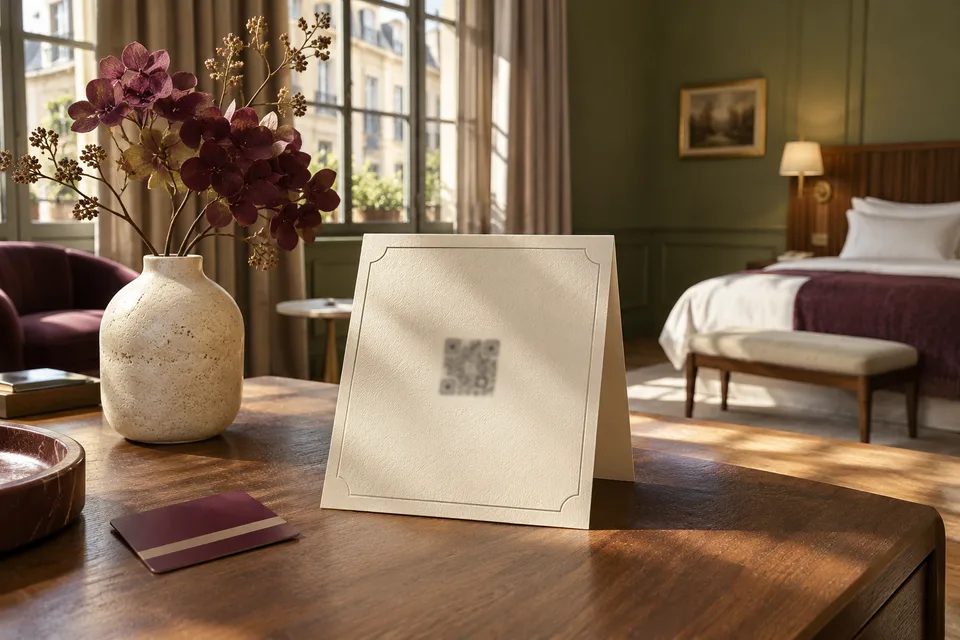
During a portal outage guests still need a way to find the front desk, breakfast and checkout information. Keep those three items on a small printed card. Make sure the desk can answer the same questions using the current shift copy.
On this page
Build the smallest useful room card
Start with the desk location, how to call it from the room, breakfast hours and location, checkout time, and where to ask for help when reception is closed. Give reception one staff copy with anything that varies by day or booking. Add the short web address only if guests have a separate way to reach it.
Ask the duty manager to review the card when breakfast hours, staffing, or checkout instructions change. Keep the source file and print location in the shift notes.
Rehearse with a real phone
- Connect to the guest Wi-Fi and confirm that the printed QR code and short address both point to the expected page.
- Turn off Wi-Fi and cellular data on the test phone. Hand the room card to a colleague and ask how they would find the breakfast room and reach reception.
- Reopen the portal on the guest network and verify that the page shows current information before the desk returns to normal instructions.
Leave the next shift a record
Record which rooms have updated cards, what staff told guests, and who verified the portal was back. Update room copies if the drill revealed an obsolete extension or an instruction guests could not follow.
Find out what actually stopped working
Start where the guest was standing. Try the printed code and then type the address by hand on the same phone. A faded card or a label with an old address can produce a different result from a site outage. If the short address works, use it in the desk’s instructions while the bad copies are replaced.
If both fail, ask another staff member to reach the same page on the guest Wi-Fi and then using cellular data. Write down which worked, from where and what the phone displayed. This gives a support team more to go on than “the portal is down.” If only the staff computer can open it, leave the fallback in place until someone checks an ordinary guest handset.
| What failed | What to do on shift |
|---|---|
| Printed code only | Try the printed address, identify the room-card version and replace affected cards |
| Guest Wi-Fi only | Use printed or desk information and report the affected area to the duty manager |
| Portal on both connections | Read from the approved paper copy and open a support case with the time and affected pages |
| Details are stale | Confirm the correct answer with the department and update the desk copy while the page is corrected |
Check that your fallback survives the same fault
The number on a card is only useful if someone can answer it. Place a call from the room phone during the drill and check what happens after the desk closes. If the room phone shares the connection that failed in the scenario, put a physical location or other staffed route on the card. Ask the duty manager to verify that someone will be there at the hours you publish.
Avoid making the short address the only alternative to a QR code. A guest may have no data or no working signal indoors. Give them the basics in print, with a plain description of what else they can find online. On a digital copy, use a link label such as “Breakfast hours and location” so the destination is clear without opening it.
Write the first phone answer before you need it
Keep one approved desk copy beside the phone. If there is a problem during the breakfast rush, staff can say “The page is unavailable right now. Breakfast is in the ground-floor dining room until ten. The number on your card reaches this desk.” Change those details for your property and for the shift. Answer the question before asking a guest to clear their cache or try a different browser.
If the portal takes requests or orders, find the last request the team acknowledged and check the queue before repeating it by phone. Keep a single list of any newly accepted requests during the outage. Give every row an owner, time and status so the morning team does not recreate those requests blindly after the service returns.
Prove recovery from the floor that reported the problem
Once support says the service is back, return to a room where it failed. Open the directory using the printed method and the guest Wi-Fi. Check today’s answer. If the portal is also taking orders, run a marked test or look at the current queue with the shift lead before telling staff to send guests online again.
Record what broke, how guests reached the desk and which card version was in use. A fallback that worked on day one can drift when the restaurant changes hours or reception moves. Give the next reviewer a trigger, such as a print re-order or a change in meal times, and a specific room in which to repeat the drill.
Use the first half hour to establish ownership
Say the first report comes from a room at 07:50. At 07:55 the desk checks another room and the page works on cellular data. The duty manager asks reception to give the printed breakfast directions and asks the person responsible for the guest network to check that floor. By 08:15 the breakfast team and reception are both giving the same answer. The duty manager keeps the issue open until a phone in the affected room can load the page.
The times are illustrative. The useful part is the sequence. Identify the affected route, agree on one answer, name the person checking it and verify the recovery on the guest side. If both the Wi-Fi and page are unavailable, handle them separately so a resolved network ticket does not accidentally close the portal issue.