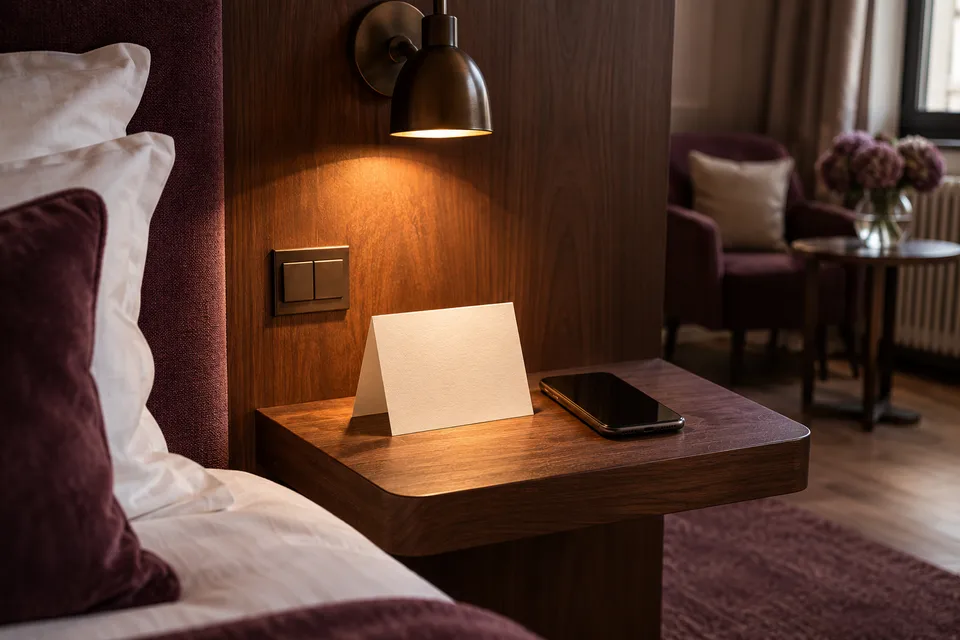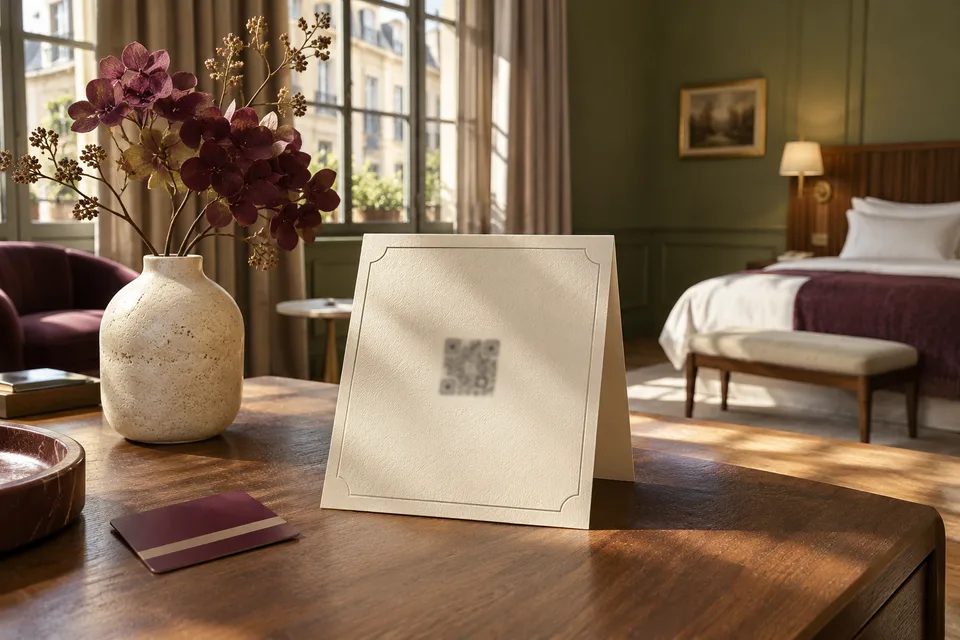
Take one copy of your printed QR card into a room before you order a stack for the property. Try to read it from the edge of the bed with the lamp on. A heading, a short address and the way to call reception will do more for a tired guest than another line about the benefits of scanning.
On this page
Put the questions guests actually ask first
Start the directory with breakfast, checkout and reception. Write “Breakfast 07:00–10:00, through the doors opposite the lift” if that is what a guest needs. Check whether the hours change at weekends. If they do, put the differences beside each other. Avoid sending someone to a second page for half the answer.
For the card, try “Scan for breakfast, checkout and hotel services. You can also open [short address]. To reach reception, dial [extension].” Change the bracketed details and put the language that most guests read where they can find it easily.
Test the print where it will live
- Print the card at the size and on the stock you intend to use. Place it on the bedside table or desk.
- Scan it on a guest phone connected to the hotel Wi-Fi. Ask a colleague to type the short address separately. Both should open the same directory.
- Ask the colleague to find today’s breakfast hours without showing them where to look. Try the test again with the phone language switched.
Give each detail an owner
Agree who changes breakfast hours when the restaurant manager is away, and who changes the desk number if the telephone system moves. The worksheet keeps the person, backup and review date next to the information. Recheck the printed copy whenever the address or contact number changes.
Choose what belongs on paper
Keep the instructions you cannot afford to lose on the printed card. A route to reception, a phone extension and a short address belong there. The directory can carry the fuller dining hours, maps and service details. If you print a time that often changes, decide how the hotel will replace the cards quickly. It may be better to print where to find current hours than a time the desk will have to correct in person.
Set the card down beside anything else the hotel puts in the room. Table tents for dining, room service and Wi-Fi can look alike. Give the directory card a plain heading and an action the guest understands. Scan your sample from a normal reading angle. If you have to clear the table to use it, choose another spot.
Test the two languages against the same question
Choose something that would affect a guest tonight, such as the last breakfast sitting or where reception is after the side door closes. Compare the two versions side by side. A translated headline is no use if the directions point left in one language and right in another. Retain proper names on the page if they match the signs in the hotel.
Read both versions on a small handset. The first screen should make it easy to tell whether you are looking at the right hotel and language. Use a visible way to switch versions. On the website, link text such as “Where to find breakfast” helps people who are scanning with a screen reader or opening links out of context.
Make one change and see what else it affects
Try a fictional move of the breakfast room for a Sunday event. Update one language first and note everywhere the old room name still appears. Change the other language, the desk copy and any pre-arrival message that gives the location. Have the breakfast team check the two answers without access to the directory editor.
Keep the page address stable through content changes. If it has to move, test an old card and send the old address to the right new page before printing replacements. A package of unused cards in the office does not tell you what is still in the rooms. Put a small version mark on a service copy so housekeeping can identify which runs to replace.
| Place | Check |
|---|---|
| Printed room card | Can the guest find a current source of breakfast information? |
| English and Polish directory | Do both point to the same temporary room and date? |
| Arrival message | Do guests who receive it still get the right location? |
| Reception copy | Does the answer include the way back to the standard location? |
Put the card into a few rooms first
Choose rooms that differ, such as one far from the desk and one where the bedside table is badly lit. Ask colleagues to find breakfast, checkout and a contact number while standing where a guest would. Check whether a thick card falls flat when it is knocked or a glossy finish catches the bedside lamp. Fix placement or printing before commissioning a larger batch.
Tell reception how long the trial runs and where to record an issue. If guests still call for something shown on the card, ask where they looked first. A sentence added to the directory will not help if the card has fallen behind the kettle. Once the print and the answer both work, write down who checks it after the next change.
Teach the desk when to send a link and when to answer
The directory helps most when staff can send the right part of it. If someone asks whether the hotel serves breakfast early on Sunday, send the current hours or answer in the message. A link to the home screen alone makes the guest repeat the search. Keep a small list of page links for the questions the desk gets most often.
Hold onto the option of answering in person or by phone. A family approaching a locked side entrance needs the way into the building, which can change after the desk closes. Use the directory for information the hotel can keep current. Keep an obvious way to reach someone for exceptions. Ask reception which exceptions should be mentioned on the next print run.